
0.38 / 1.50 MM
01
Material-aware
allowances
Fold setback, root relief and rule gaps respond to board caliper.
Generate custom packaging dielines from your dimensions. Add your artwork, preview a 3D box mockup, and export SVG, PDF or DXF—all in one packaging workflow.
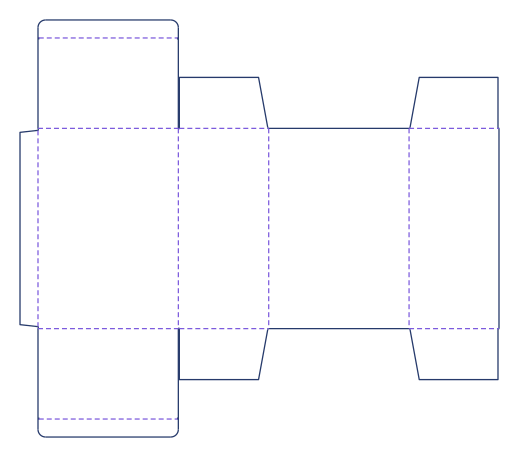
Follow a Straight Tuck End carton from a flat dieline to a printed box. Body panels, dust flaps and tuck tongues fold in sequence around their connected crease axes.
Find a box dieline template by construction: folding cartons, shipping boxes, mailers, trays, sleeves and inserts. Customize the structure to your product dimensions.
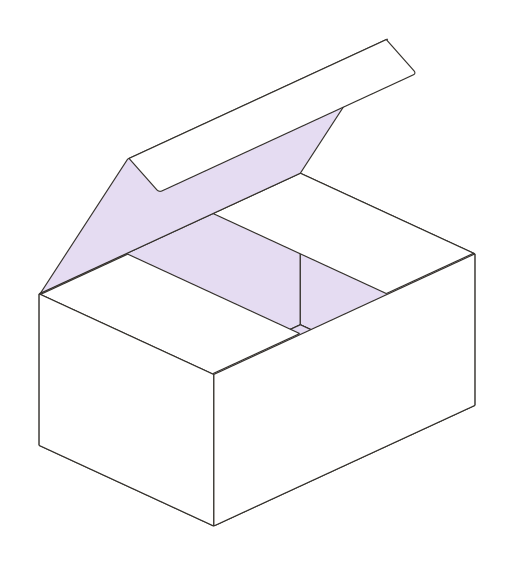
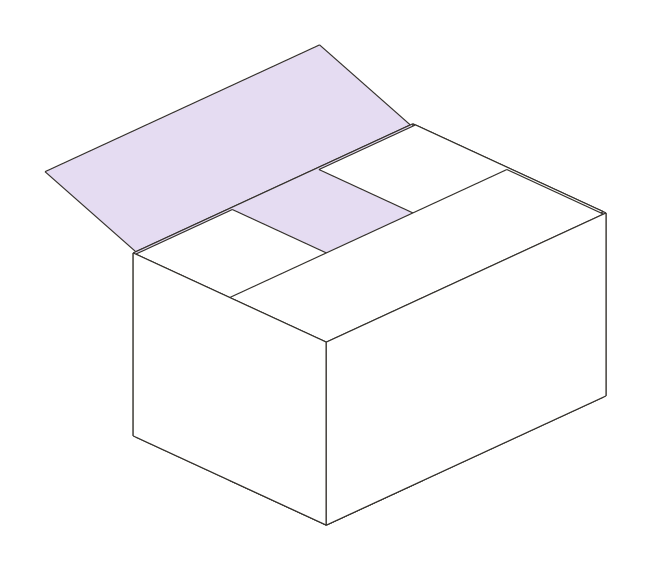
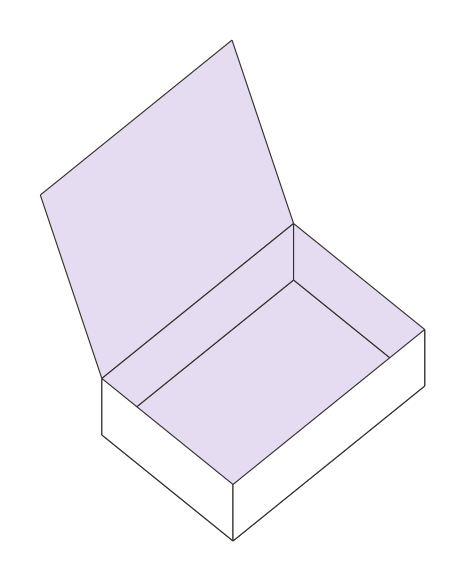
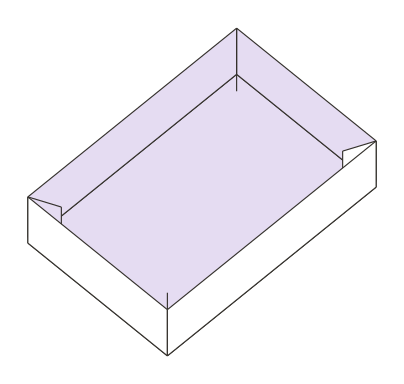
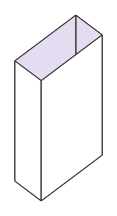
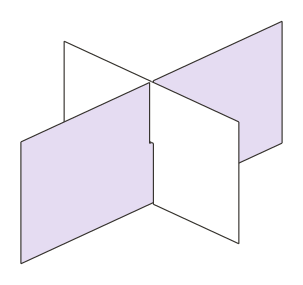
Create a custom-sized box template without redrawing the flat. In the dieline generator, set length, width, height and material caliper, then inspect the cuts and creases. Try the proportion study here.
Illustrative proportion preview only. No production cut/crease geometry or export is generated here.
Bring your packaging artwork onto a 3D mockup. Inspect how the design sits across panels and flaps, explore the folded form, and create a presentation of your packaging concept.
3D mockup studio is a Pro feature. Structure support varies.
Packaging functions because of the relationships you don't always see: material, structure, tolerances, and the precision of every rule.
Fold setback, root relief and rule gaps respond to board caliper.
Snap, slit, friction, crash-lock and roll-end closures keep distinct logic.
Clean rule junctions reduce collisions and preserve a readable cutting form.
One normalized document drives inspection and vector export.
Engineering starting points require substrate measurement, prototyping and converter approval before mass production.
Download packaging dielines as SVG, PDF or DXF for your design, print and CAD workflow. Keep your custom dimensions connected from template to handoff.
From a custom box template to an artwork-ready 3D packaging mockup.
Explore packaging guides ↗A packaging dieline generator creates a flat box layout from the selected structure, dimensions and material settings. Packeri calculates cut and crease geometry so you can customize a box template without drawing every panel manually.
Yes. Choose a structure and enter length, width, height and the available material settings. Inspect the generated dieline, its dimensions and any validation messages before exporting.
For supported structures, Packeri connects generated packaging geometry to the Pro 3D mockup studio. Add packaging artwork and inspect its placement on the folded form. Browse the mockup library to check structure support.
Packeri supports SVG, PDF and DXF dieline exports, subject to your plan and export access. These vector formats connect the structural layout to artwork, print and CAD workflows.
Packeri supports packaging engineers, structural designers, graphic designers, printers, converters and brands developing folding cartons, corrugated boxes, mailers, trays, sleeves and inserts.
No. A 3D packaging mockup helps you inspect and present the design. Confirm board caliper, clearances, print requirements and closure behavior with a physical prototype and your converter before mass production.
Create a packaging dieline, test the folded form and visualize your artwork. Explore the library or start three days of Pro access, with no card required.
No automatic charge. Choose your structure. Set your dimensions. See it take shape.